
My Grass Farm Wiki
Treat grass, hay, processing and cash as one production line. Upgrade the first stage that cannot keep up.
Move from cutting to automation
The visible tutorial includes upgrading the Scythe, improving Processor Speed and replacing the Noob Worker. Use those checkpoints to tell which part of the farm should change next.
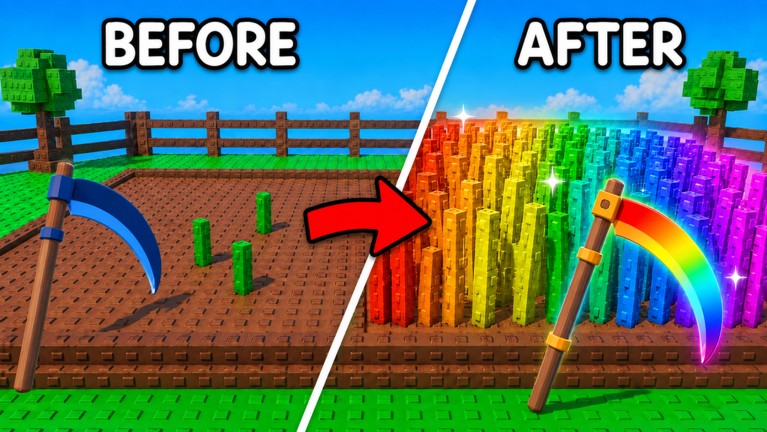 Grass → Hay → Processor → Cash
Roblox My Grass Farm gameplay
Follow the early tutorial, Scythe upgrades and the grass-to-processor production route in the current game.
Roblox snapshot checked August 24, 2026.
Play on RobloxChoose the part of the production line
Where does material start waiting?
Pick the first visible delay in the grass-to-Cash line. The result points to a guide, not an invented upgrade value.
Grass stays standing
The cutting side is falling behind. Check Scythe progress and active Worker coverage before increasing a later stage.
Check the blade guideWatch the queue, not only the cash counter
- CuttingGrass becomes hay
- MovementHay reaches the processor
- ProcessingThe processor clears the queue
- SellingOutput becomes cash
Upgrade where material starts waiting
A pile before the processor points to processing speed. An empty processor while grass remains points back to cutting or movement.
Open the money guideIndependent fan guide. Tutorial steps may change after updates.
Sources and corrections